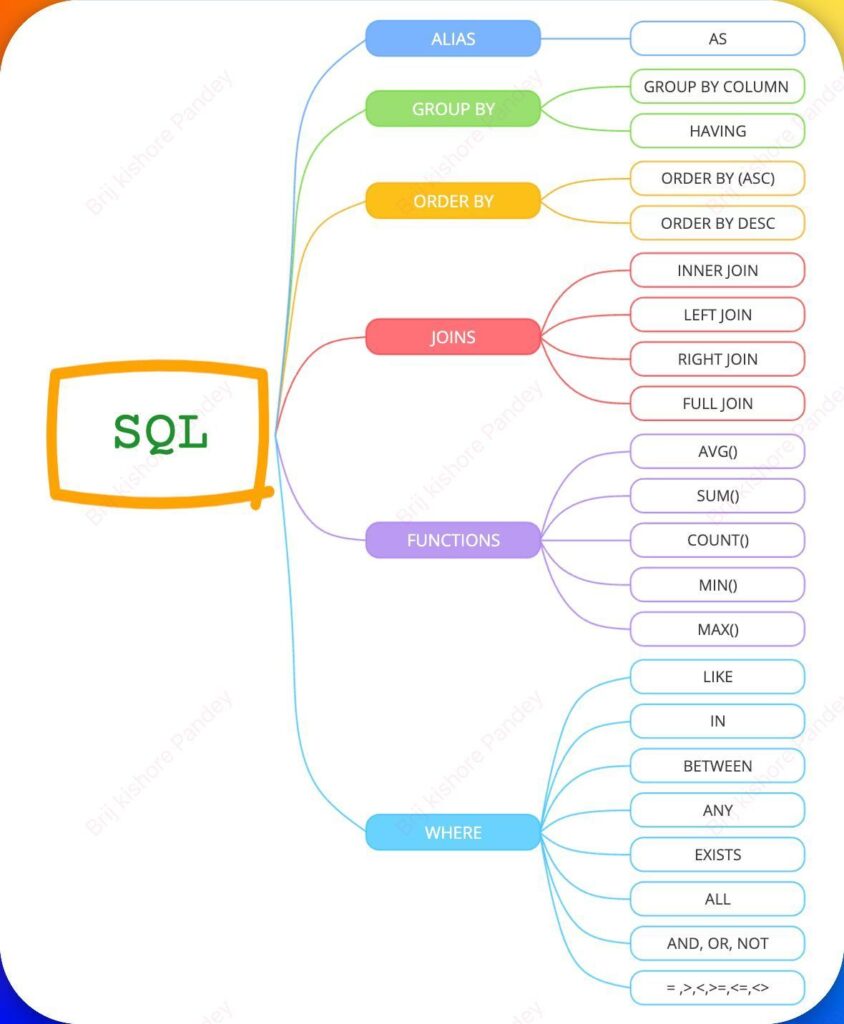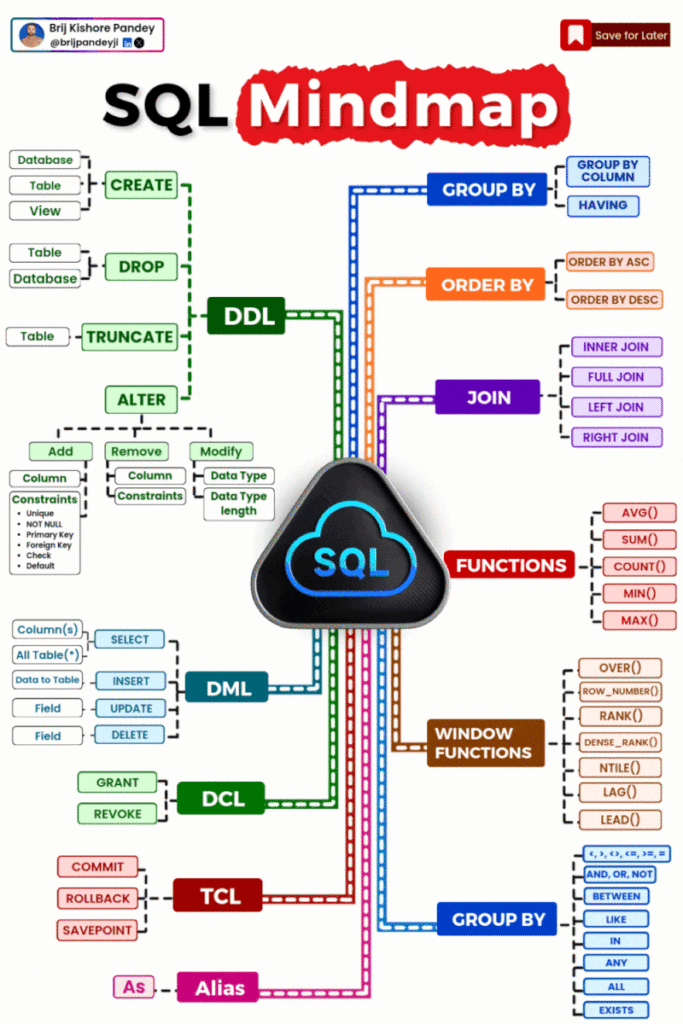
We have a classic one-to-many setup: one book → many reviews. I’ll give you a structured set of queries you can run step-by-step in SQLite to explore joins, aggregates, and relationships.
I have 2 table schemas in my Laravel Project.
 Schema::create('reviews', function (Blueprint $table) {
            $table->id();
            $table->unsignedBigInteger('book_id');
            $table->unsignedBigInteger('member_id');
            $table->integer('rating');
            $table->text('comment')->nullable();
            $table->foreign('book_id')->references('id')->on('books')->onDelete('cascade');
            table->foreign('member_id')->references('id')->on('members')->onDelete('cascade');
            $table->timestamps();
});Schema::create('books', function (Blueprint $table) {
$table->id();
$table->string('title');
$table->string('author');
$table->string('isbn')->unique();
$table->date('published_date');
$table->integer('available_copies');
$table->integer('total_copies');
$table->timestamps();
});I’ll give you a structured set of queries you can run step-by-step in SQLite to explore joins, aggregates, and relationships.
🔹 1. Basic Data Exploration
View all books
SELECT * FROM books;View all reviews
SELECT * FROM reviews;🔹 2. Understanding Relationships (JOIN)
Get reviews with book title
SELECT reviews.id, books.title, reviews.rating, reviews.comment
FROM reviews
JOIN books ON reviews.book_id = books.id;👉 This shows how book_id connects to books.id.
Include member_id too
SELECT books.title, reviews.member_id, reviews.rating
FROM reviews
JOIN books ON reviews.book_id = books.id;🔹 3. LEFT JOIN (Important!)
Show all books (even without reviews)
SELECT books.title, reviews.rating
FROM books
LEFT JOIN reviews ON books.id = reviews.book_id;👉 Books without reviews will show NULL rating.
🔹 4. COUNT() Examples
Count total reviews per book
SELECT books.title, COUNT(reviews.id) AS total_reviews
FROM books
LEFT JOIN reviews ON books.id = reviews.book_id
GROUP BY books.id;Count only books that have reviews
SELECT book_id, COUNT(*) AS total_reviews
FROM reviews
GROUP BY book_id;🔹 5. AVG() (Average Rating)
Average rating per book
SELECT books.title, AVG(reviews.rating) AS avg_rating
FROM books
LEFT JOIN reviews ON books.id = reviews.book_id
GROUP BY books.id;Only show books with ratings
SELECT books.title, AVG(reviews.rating) AS avg_rating
FROM books
JOIN reviews ON books.id = reviews.book_id
GROUP BY books.id;👉 Difference:
JOIN→ excludes books with no reviewsLEFT JOIN→ includes them
🔹 6. HAVING (Filter Aggregates)
Books with average rating > 4
SELECT books.title, AVG(reviews.rating) AS avg_rating
FROM books
JOIN reviews ON books.id = reviews.book_id
GROUP BY books.id
HAVING avg_rating > 4;Books with more than 2 reviews
SELECT books.title, COUNT(reviews.id) AS total_reviews
FROM books
JOIN reviews ON books.id = reviews.book_id
GROUP BY books.id
HAVING total_reviews > 2;🔹 7. ORDER BY (Sorting)
Top rated books
SELECT books.title, AVG(reviews.rating) AS avg_rating
FROM books
JOIN reviews ON books.id = reviews.book_id
GROUP BY books.id
ORDER BY avg_rating DESC;Most reviewed books
SELECT books.title, COUNT(reviews.id) AS total_reviews
FROM books
LEFT JOIN reviews ON books.id = reviews.book_id
GROUP BY books.id
ORDER BY total_reviews DESC;🔹 8. Filtering Data
Reviews for a specific book
SELECT * FROM reviews
WHERE book_id = 1;Books with low stock
SELECT * FROM books
WHERE available_copies < 5;🔹 9. Insert Sample Data (for testing)
If you need test data:
INSERT INTO books (title, author, isbn, published_date, available_copies, total_copies)
VALUES
('Book A', 'Author 1', '111', '2020-01-01', 5, 10),
('Book B', 'Author 2', '222', '2021-05-10', 2, 5);
INSERT INTO reviews (book_id, member_id, rating, comment)
VALUES
(1, 1, 5, 'Excellent'),
(1, 2, 4, 'Good'),
(2, 1, 3, 'Average');🔹 10. Bonus: Combined Insights
Full summary per book
SELECT
    books.title,
    COUNT(reviews.id) AS total_reviews,
    AVG(reviews.rating) AS avg_rating,
    MIN(reviews.rating) AS lowest_rating,
    MAX(reviews.rating) AS highest_rating
FROM books
LEFT JOIN reviews ON books.id = reviews.book_id
GROUP BY books.id;💡 Tips to Understand Better
- Think of
JOINas matching rows GROUP BY= group rows into bucketsCOUNT / AVG= operate on those bucketsHAVING= filter grouped results